 Contact us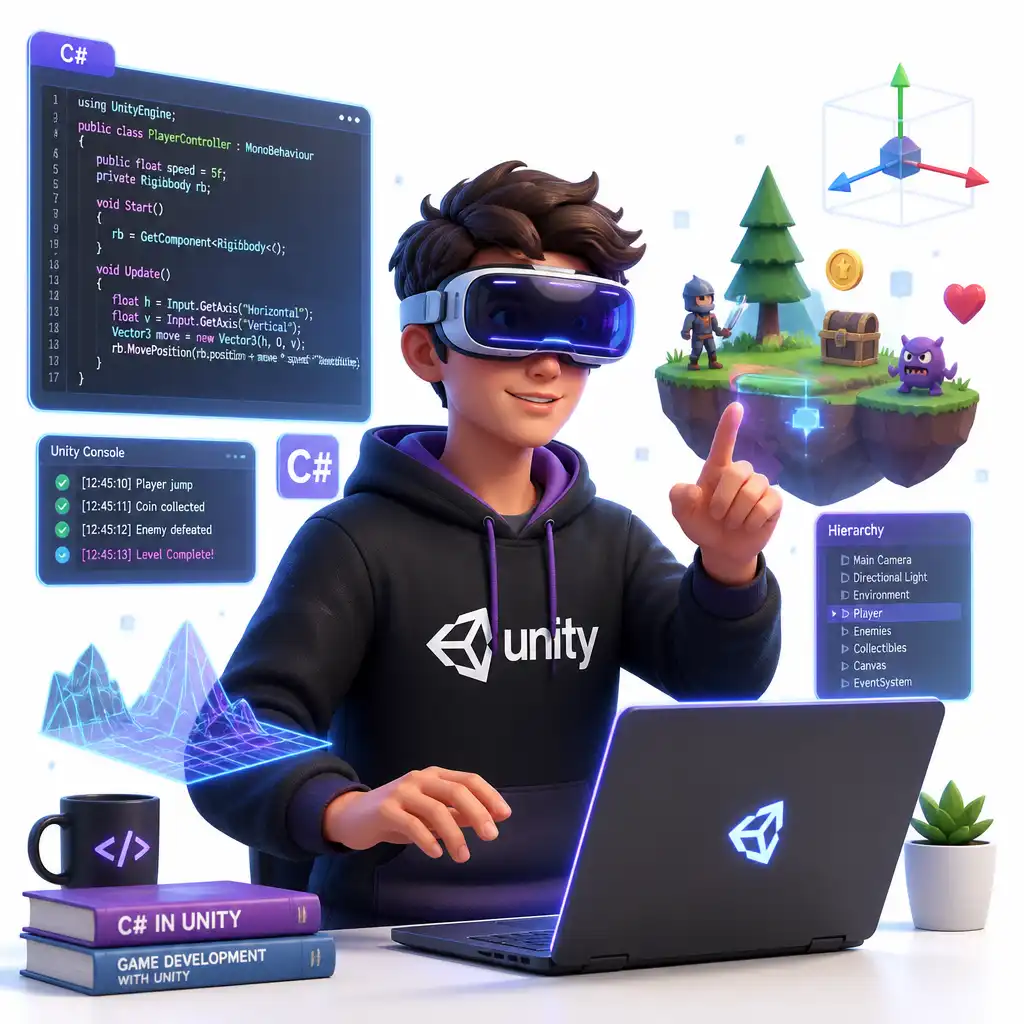
 Ages 16–18
 12 sessions over 3 months
 Group of 4 to 6 students
About the course
Enter the world of the future and spatial computing. Your child will master the Unity engine (the industry standard in game dev) and write real C# code to build 3D worlds, control game physics, and develop interactive AR mobile games.
What will they learn?
 Apply Object-Oriented Programming (OOP) — write scalable C# scripts using classes, objects, and inheritance.
- Engineer game intelligence — use Unity's Navigation Mesh to program smart NPCs that track and chase the player.
- Master animation logic — build complex Animator State Machines and trigger conditions using Vector3 distance logic.
- Publish a professional portfolio — export the game to WebGL, publish it on Itch.io, and design a professional portfolio site.